Utilities
System Usage Meters Pro
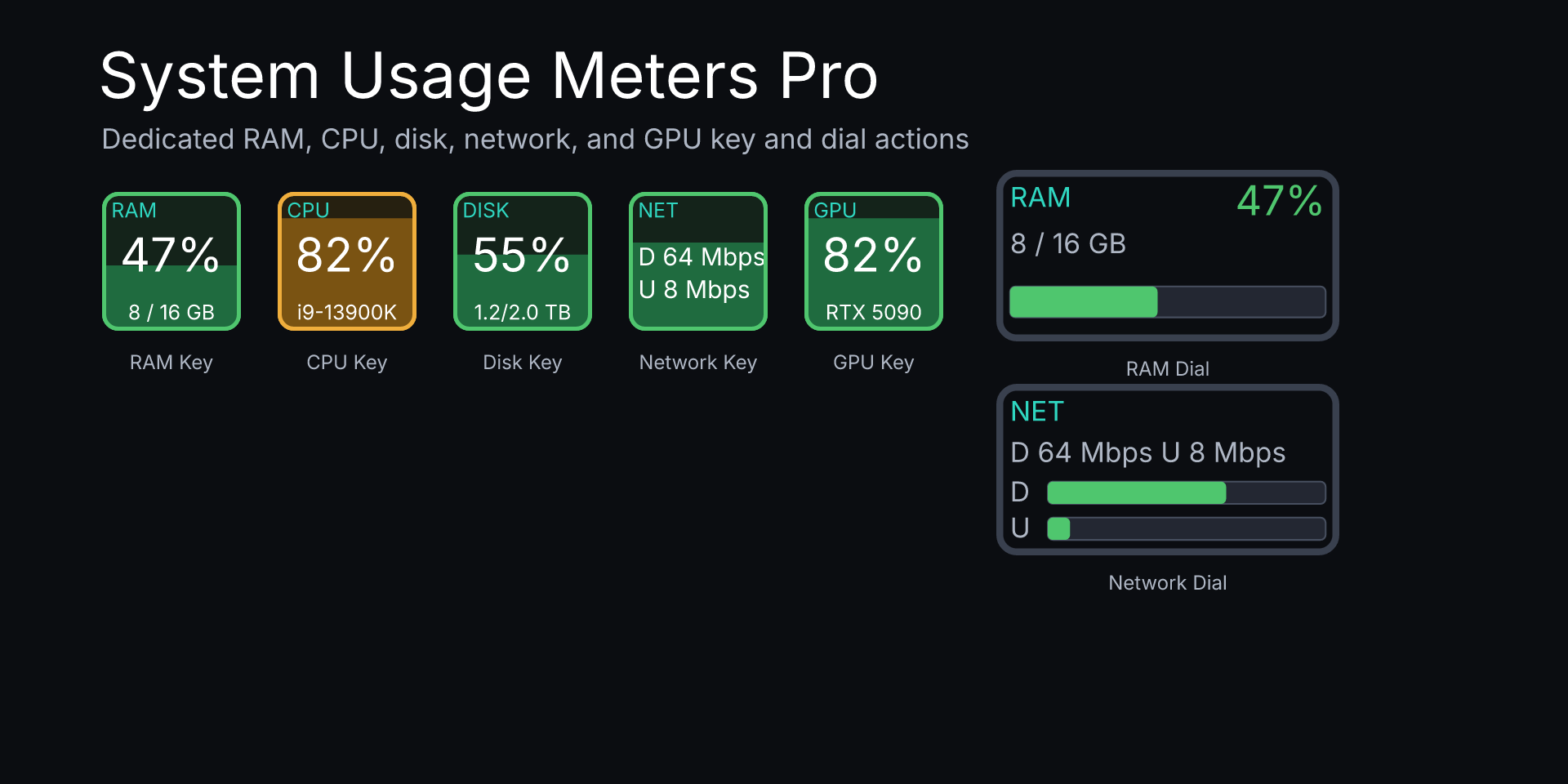
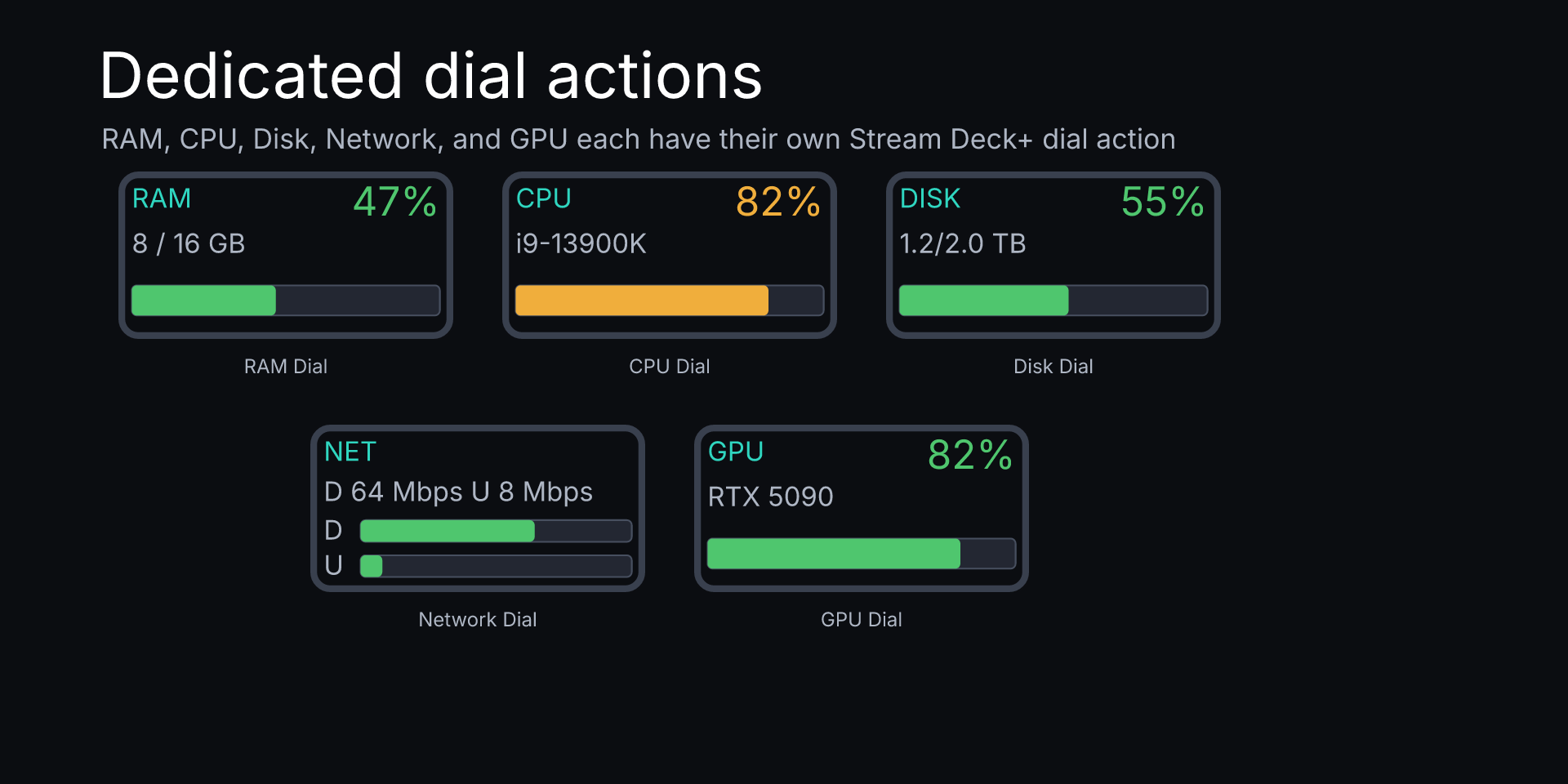
System Usage Meters Pro shows local RAM, CPU, disk, network, and GPU usage with Stream Deck key and Stream Deck+ dial actions.
Plugin views
About System Usage Meters Pro
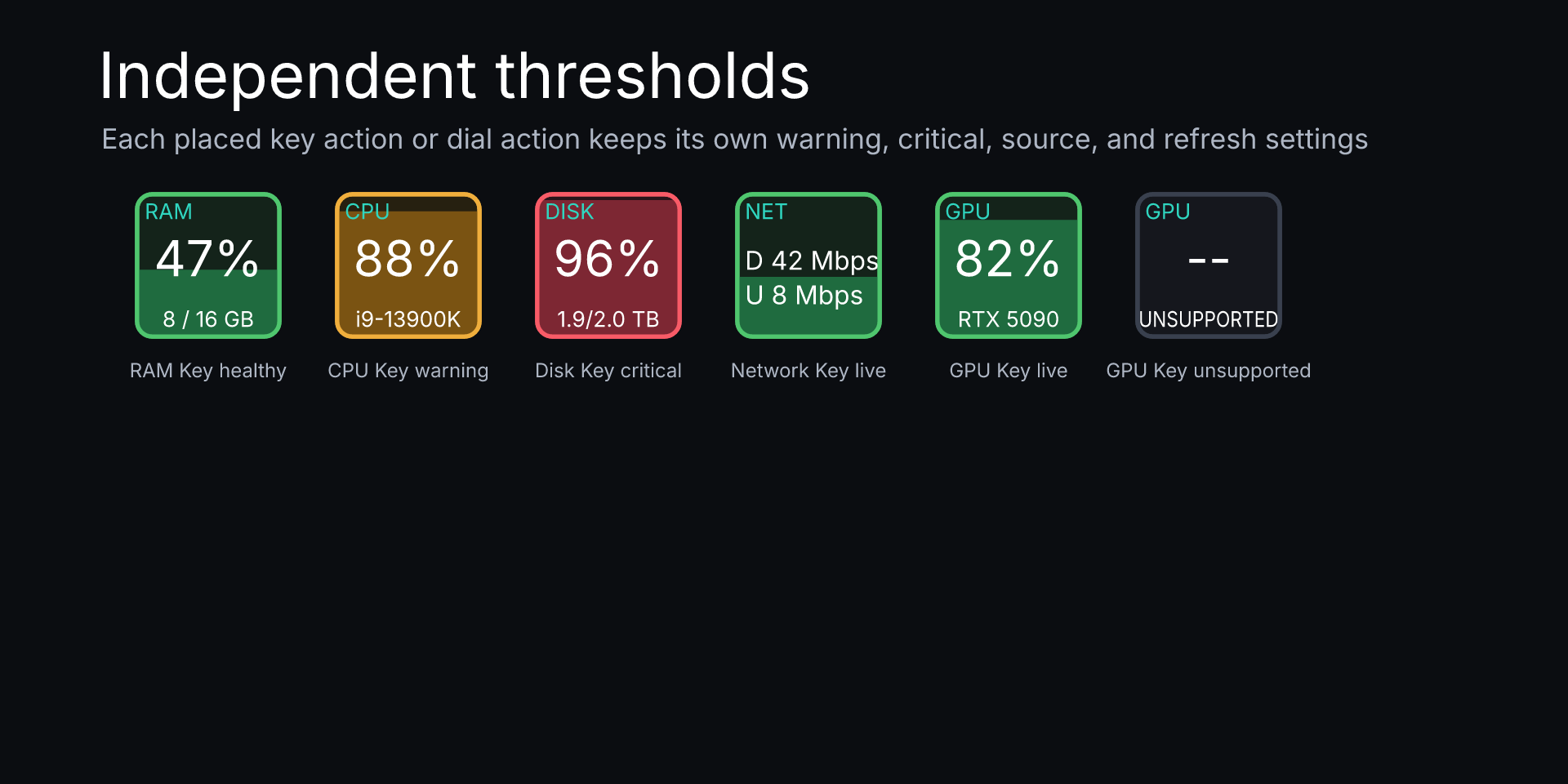
System Usage Meters Pro shows RAM, CPU, disk, network, and GPU usage with dedicated Stream Deck key and Stream Deck+ dial actions. Set green, amber, and red thresholds per placed action, so a RAM key and RAM dial can keep different limits. Press a key or push a dial to open your system monitor.
The plugin reads your own machine through local OS APIs only. It reads CPU counters/model metadata, memory counters, filesystem capacity for selected local/removable volumes, network interface metadata and byte counters, and GPU controller metadata plus live utilization when your OS and driver expose it. It stores selected disk paths, interface name, GPU index, thresholds, and refresh choices in Stream Deck action settings.
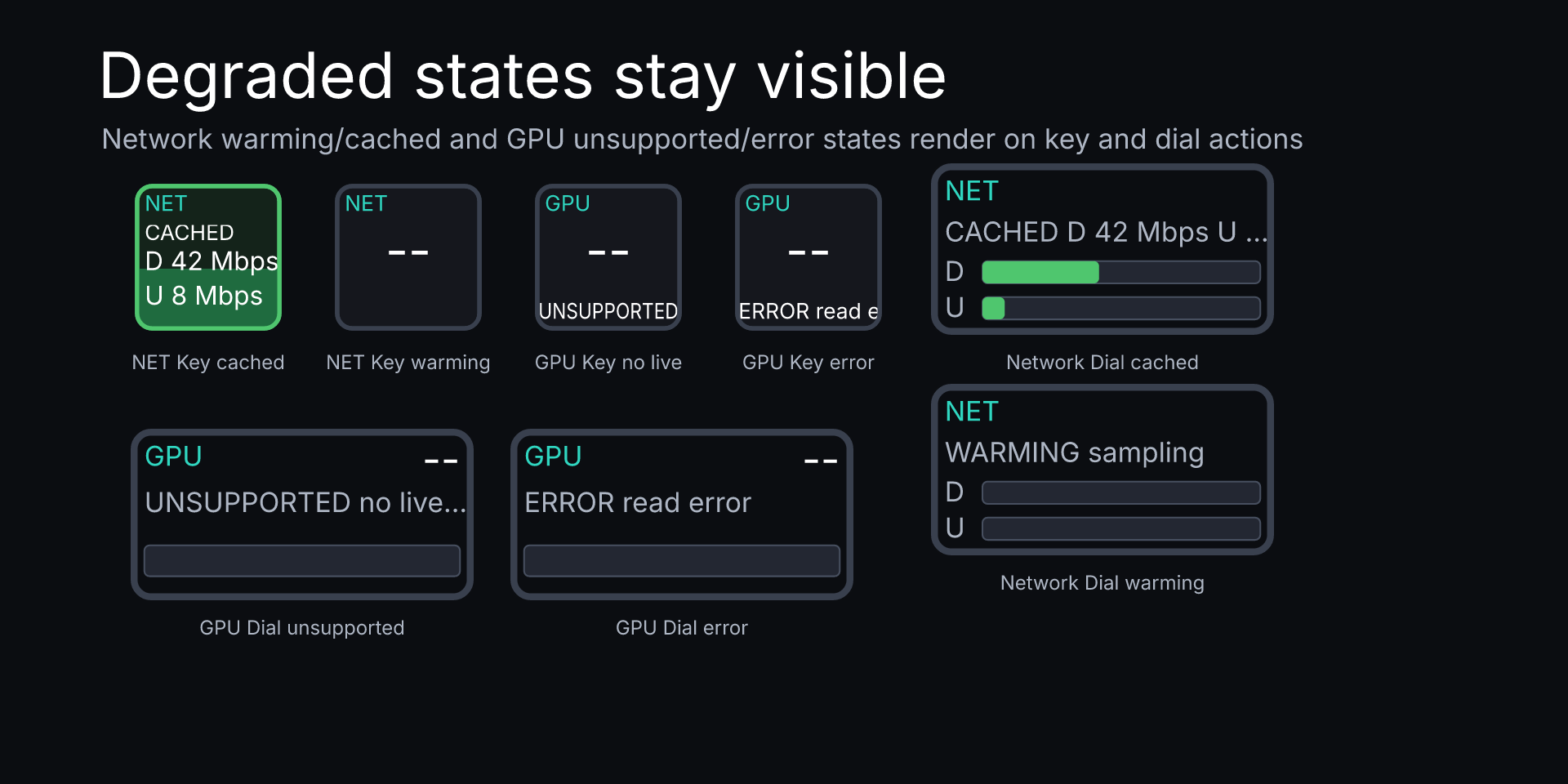
System Usage Meters Pro does not use a server and transmits nothing. It does not read file contents, directory listings, credentials, tokens, browsing history, network connections, packet contents, or packet destinations. Some GPU or network values may show warming, unsupported, cached, or error when the OS or hardware does not expose a live reading.
System Usage Meters Pro is not affiliated with Microsoft, Apple, Corsair, or Elgato.
Requirements
Requires Stream Deck 7.1 or later on Windows 10 or later or macOS 12 or later. Compatible with a key-capable Stream Deck and a dial-capable Stream Deck. Metric availability depends on local operating-system, driver, and hardware support.
Support
Email support@iridiumindustries.eu. Include the plugin name, Stream Deck app version, operating system, and a short description of the issue.
Privacy
Read the complete privacy policy for System Usage Meters Pro.
Listing source SHA-256: 42492c44e5ae7964433f739e95f83a86b95bec3fd34e3a1661522202a2ee6e4e